Trainers and training organisations: a website that fills your courses
Clear offers, detailed programmes, funding, proof and online tools: what future learners and the companies paying for them expect from your website.

A trainer often speaks to two audiences at once: the person who’ll take the course, and the person who approves or pays for it, an HR manager, a business owner, sometimes a funding body. Your website has to speak to both. Antony, a certified trainer since 2017, builds his with that in mind.
1. Clear paths, by audience
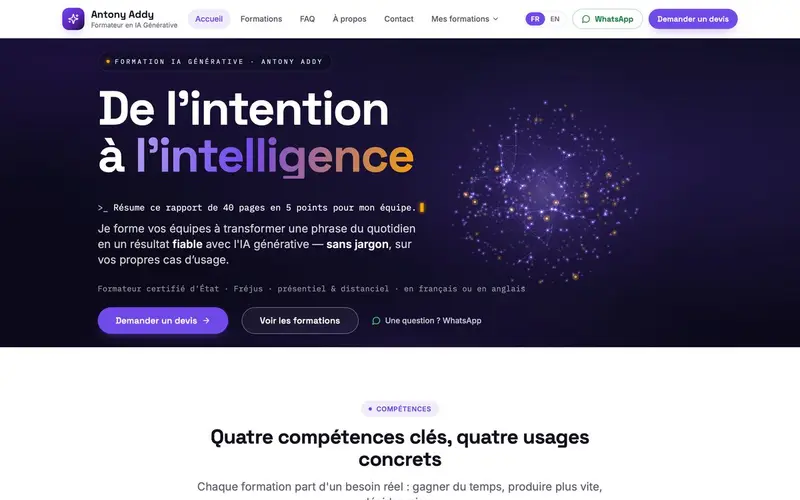
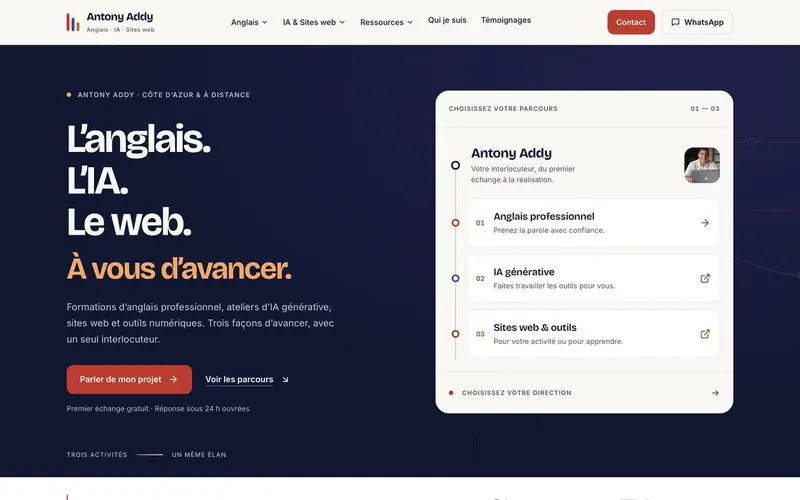
Visitors should find their course in one click. On Antony’s main site, three paths lead from the home page: professional English, generative AI, and websites and tools. The generative-AI training site separates two paths, for companies and for freelancers.
2. Concrete programmes
A training manager wants to know exactly what they’re buying. For each course, give:
- the objectives, in terms of skills;
- the audience and any prerequisites;
- the length and format (in person, online, on site);
- how learning is assessed.
Tie each skill to real uses. The generative-AI training site presents four key skills, each illustrated with concrete use cases.
3. Funding
If your courses can be funded (in France, through CPF or OPCO, for example), say so clearly, and mention any certifications you hold. It’s often what unlocks the decision on the company side.
4. Proof
Learner testimonials, client recommendations, companies you’ve trained: these are your best arguments. Free resources (guides, exercises, articles) also show your expertise before the first contact.
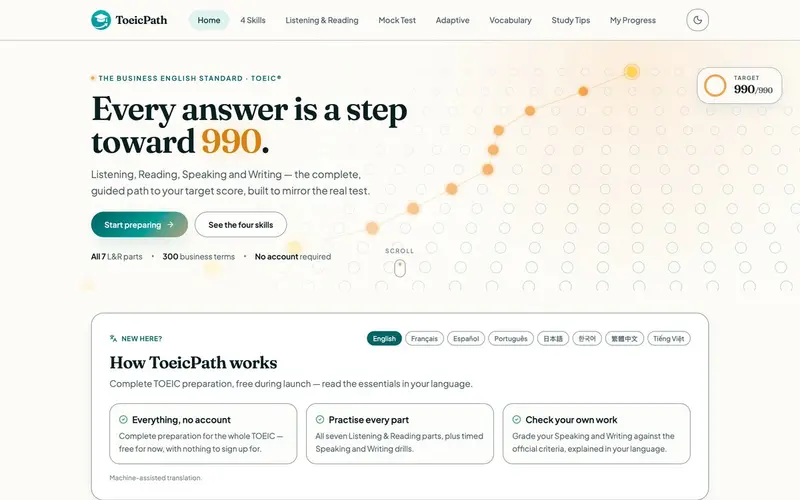
Antony goes further: his site shows the platforms he has built with AI himself, such as ToeicPath, a complete TOEIC preparation platform. The best proof that you can teach a tool is to show what you’ve made with it.
5. An easy first contact
Quote request, free first call, WhatsApp: offer several ways in, and say when you’ll reply. “Reply within 24 working hours” reassures more than a bare form.
6. Tools for your learners
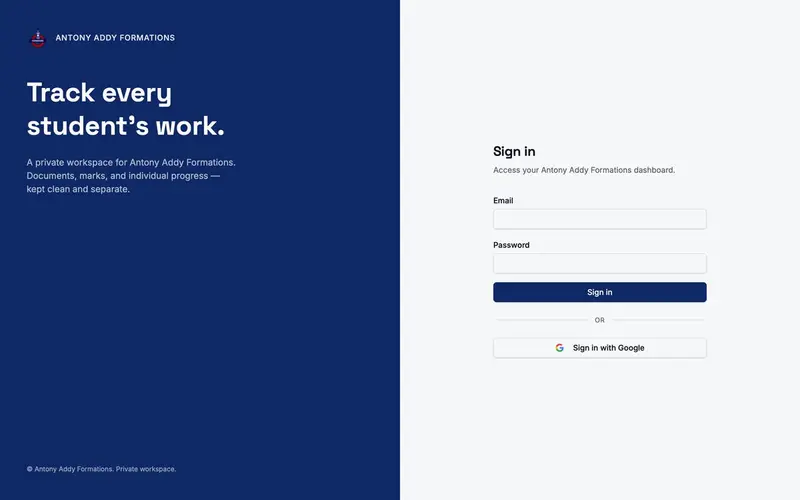
A training website can also become a working tool: online exercises, exam simulators, or a private progress area. Student Mark Tracker, built for Antony’s courses, keeps each learner’s documents, marks and progress together behind sign-in.
7. In your audiences’ languages
If you train people from abroad or internationally, a version in English, or in your learners’ language, widens your audience straight away.
Tell us about your courses: we know this line of work from the inside.